Top 5 Redbubble Alternatives for 2026
Top 5 Redbubble Alternatives for 2026
Finding a digital product creation platform that supports end-to-end workflows without jumping between different tools wastes time for creators. Most platforms split design, listing prep, and fulfilment features or lock commercial rights behind high-cost plans. This comparison covers five Redbubble alternatives so you can match each option to your design workflow and business model before committing to a paid plan.
Table of Contents
Advanced Planner Designer

At a Glance
Advanced Planner Designer reports it has supported over 10,000 creators in generating over one million products. The platform uses AI to produce ready to list product kits that include planners, covers, stickers, mockups, wallpapers and colouring pages. It targets creators who sell on Etsy and Shopify and want finished assets without juggling multiple tools.
Core Features
The platform uses AI to generate planner templates and supports editable planner pages and layout customisation for a personal touch. It produces Make Sellable™ product kits that bundle covers, mockups and listing visuals ready to export for Etsy or Shopify. The workspace also creates stickers, wallpapers and colouring pages so you can build a complete digital product collection in one place.
Key Differentiator
The single biggest advantage is the all in one AI workflow that moves a concept through design to a sellable kit in one workspace. That workflow combines editable pages, cover design and marketing visuals so you avoid switching between separate design apps. For creators who prefer fewer tools, this reduces time spent assembling listings and assets.
Pros
Advanced Planner Designer speeds the creation of sellable digital planners and related products, which helps you launch listings faster. The AI tools lower the design learning curve, making the platform accessible to beginners and side hustlers. The built in marketing asset suite produces listing visuals and copy so you do not need a separate mockup tool or writing app.
Cons
- May lack the depth of customisation required by professional graphic designers.
Who It’s For
Creators, small business owners and Etsy sellers who need complete, ready to list digital product kits will gain most value. Educators and side hustlers who sell printable planners or educational packs benefit from the speed and asset bundle approach. Professional designers who need pixel perfect control and advanced export options will likely find the platform limiting.
Unique Value Proposition
Make Sellable™ product kits bundle planners, covers, mockups and listing copy into a single export you can upload to a marketplace. That package reduces the number of separate design and listing tools you must buy or learn. For sellers balancing design time and product volume, the kit model converts ideas into marketable products with fewer steps.
Real World Use Case
A small Etsy seller uses the AI to create a planner idea, then edits pages and generates a matching cover inside the workspace. They produce mockups and export a kit that includes listing images and descriptions. That process lets them publish multiple themed planners without building assets in several separate apps.
Pricing
A free tier is available at A$0/month for basic access and testing. Paid plans start at A$19/month for the Basic plan, with more featureful subscriptions beyond that. A one time Lifetime option at A$97 is offered for users who prefer a single payment.
Website: https://advancedplannerdesigner.app
My Planners Hub
At a Glance
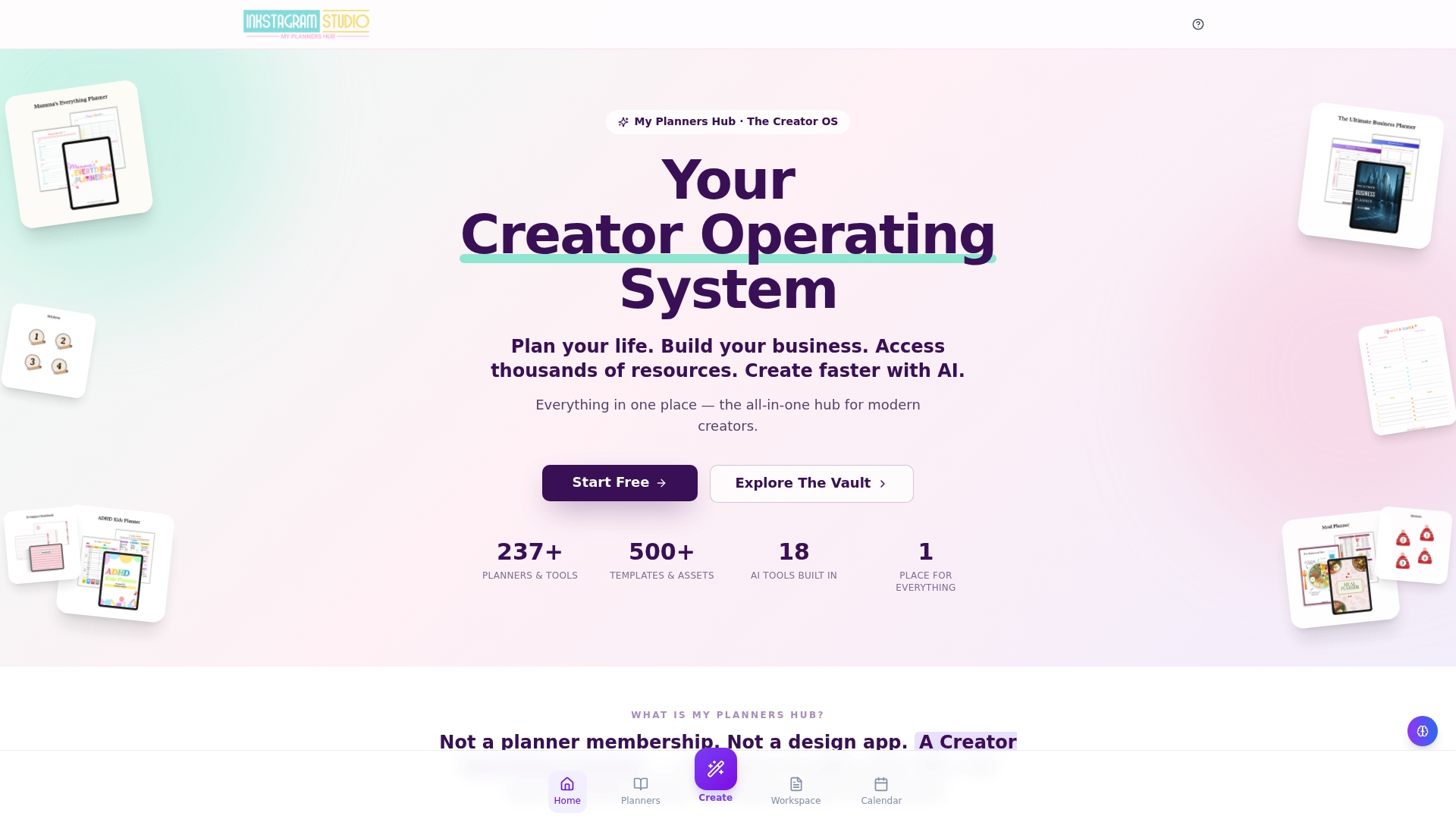
The vendor advertises 237+ planners and 18 AI tools built into a single workspace. That breadth targets creators who want ready made assets and generative tools without stitching several services together. According to the company, reviewers on Trustpilot, G2, Capterra and Reddit report high satisfaction with the professional quality of the output.
Core Features
My Planners Hub bundles planning, productivity, AI assisted creation and business resources into one platform, with a large library of templates and creative assets. The site includes planner files, covers, stickers, workbooks and templates that you can customise, plus AI tools for content, design and branding tasks. Membership tiers control access to unlimited AI generation, commercial licensing and advanced customisation.
Key Differentiator
The platform positions itself as an all in one creator operating system that combines AI creation tools, extensive templates and business growth resources in a connected environment. That focus makes it a single place to design products, apply licences and scale listings. Compared with Advanced planner designer, My Planners Hub aims for a broader self contained toolkit rather than selling complete bundle kits.
Pros
Users praise the professional finish of exported products and the level of customer interaction reported in reviews. The membership tiers provide access to a deep asset library, which makes expanding a product catalogue faster for creators and small business owners. Higher plans offer noticeably more value for people who sell digital products and need commercial licensing and unlimited AI generation.
Cons
- Very limited presence on independent third party review sites, which means less external validation of claims.
- Platform complexity may overwhelm users who are new to digital creation tools or prefer a minimal workspace.
- Key features and full commercial rights require paid tiers, which raises the cost for casual creators.
- Reliance on membership for full PLR rights may not suit one off sellers who avoid recurring fees.
When It May Not Fit
If you prefer a lightweight tool for occasional planner edits, the platform may feel overly complex. Teams that want modular add ons instead of a single ecosystem will find the workflow constraining. Single sellers who do not plan to buy a subscription for licensing and unlimited AI use will likely face higher long term costs.
Who It’s For
Digital creators, entrepreneurs and productivity enthusiasts who plan to design and sell digital products regularly will get the most from this hub. Small business owners who need built in licences and a large template library will find the membership tiers practical. People seeking a minimal, pay as you go tool are not the primary audience.
Real World Use Case
A digital product creator uses My Planners Hub to generate planner pages with an AI tool, then customises covers and stickers from the asset library. They apply the commercial licence from their membership, export listings and manage client orders from the same account. That workflow reduces the need to juggle separate design apps and licensing providers.
Pricing
Plans range from a Free tier to monthly subscriptions and an annual option. Pricing is listed as Basic at $27/month, Premium at $47/month, Pro at $67/month and Yearly Pro at $197/year. Paid tiers unlock unlimited AI generation and commercial licensing.
Website: https://myplannershub.app
Printful
At a Glance
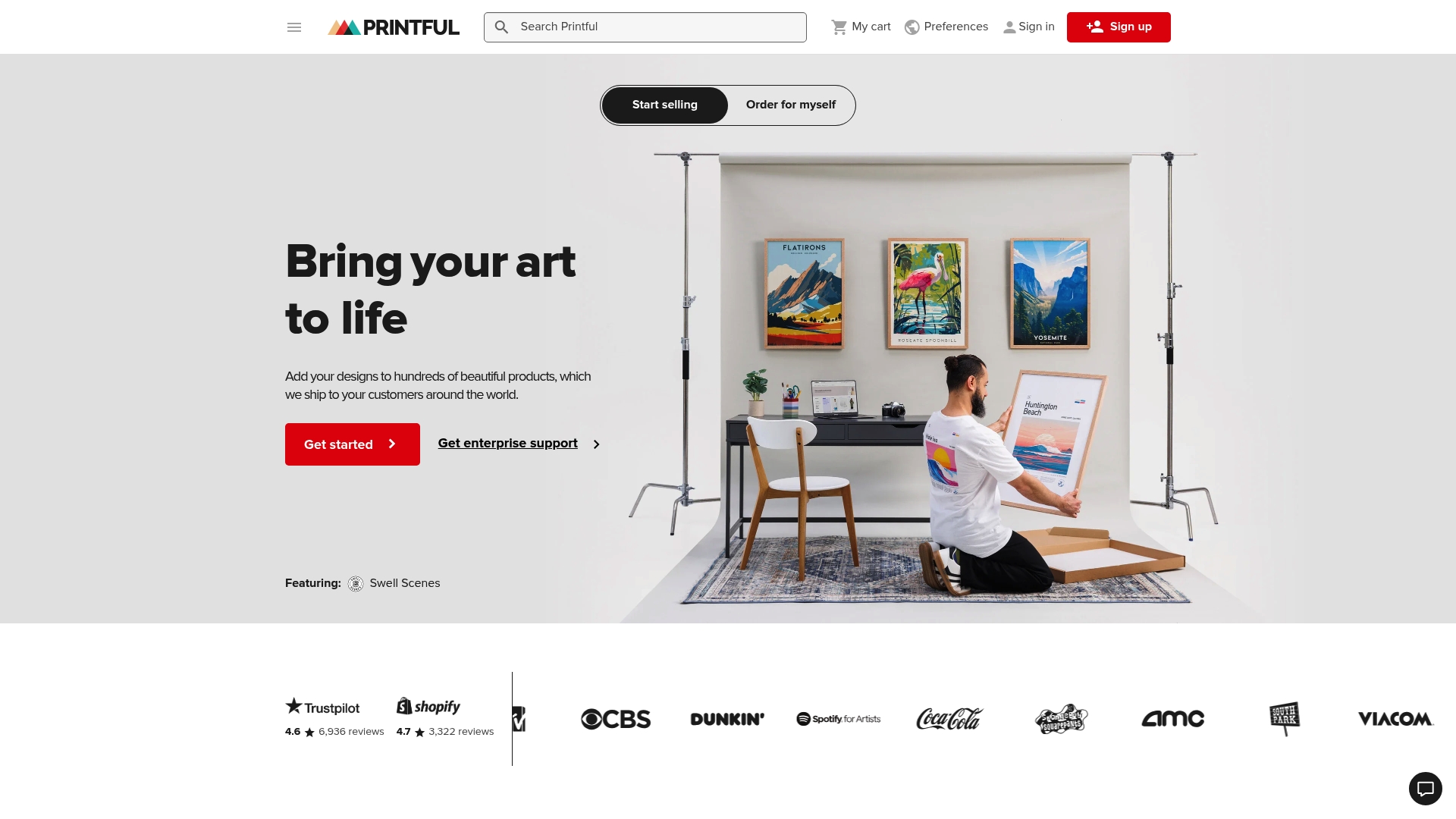
Printful reports a 99.76% approval rate for print jobs. It pairs in-house manufacturing with global fulfilment centres and built-in mockup tools. That mix makes it simple for beginners to launch stores without holding stock.
Core Features
The platform connects with Shopify, Etsy, WooCommerce and other storefronts for direct order routing. Its product catalogue covers apparel, accessories and homeware, and offers custom branding options. Built-in mockup generators, in-house quality control and international fulfilment simplify production and shipping.
Key Differentiator
In-house manufacturing sits at the centre of Printful’s approach. That control lets the company maintain consistent production across many SKUs. Deep storefront integrations automate order flow from checkout to fulfilment. The result suits sellers who want a single provider for production and shipping.
Pros
Very beginner-friendly setup reduces technical overhead for new store owners. Integrations make connecting a shop quick, and built-in mockups cut listing prep time. That approval figure suggests consistent print quality for most orders. 24/7 customer support and in-house fulfilment help resolve production and shipping questions.
Cons
- Website performance can lag, which slows design uploads and order flows.
- Some users report print durability issues such as fading over time.
- Fulfilment delays during peak periods or logistics disruptions can extend delivery times.
- Communication can be patchy when orders are delayed, which affects buyer experience.
When It May Not Fit
Not suitable for businesses that need bulk inventory or wholesale models. Merchants who require guaranteed delivery times or strict quality contracts may find logistical variability problematic. High-volume brands wanting a dedicated production line will need a partner offering bulk discounts and stock control.
Notable Integrations
Connects to major storefronts: Shopify, Etsy, WooCommerce, Wix, Squarespace, BigCommerce, PrestaShop and Ecwid.
Who It’s For
Online entrepreneurs, artists and small businesses who want to sell custom products with minimal upfront cost. New store owners who prefer plug-and-play integrations and built-in mockup tools will find the platform friendly. Brands that need control over inventory or high-volume wholesale will need a different supplier.
Real World Use Case
A new seller links an Etsy store to Printful and uploads T-shirt designs. Orders route directly to fulfilment centres that print, pack and ship without the seller holding stock. This keeps upfront costs low and lets the owner reinvest earnings into design or marketing.
Website: https://printful.com
Merchize
At a Glance
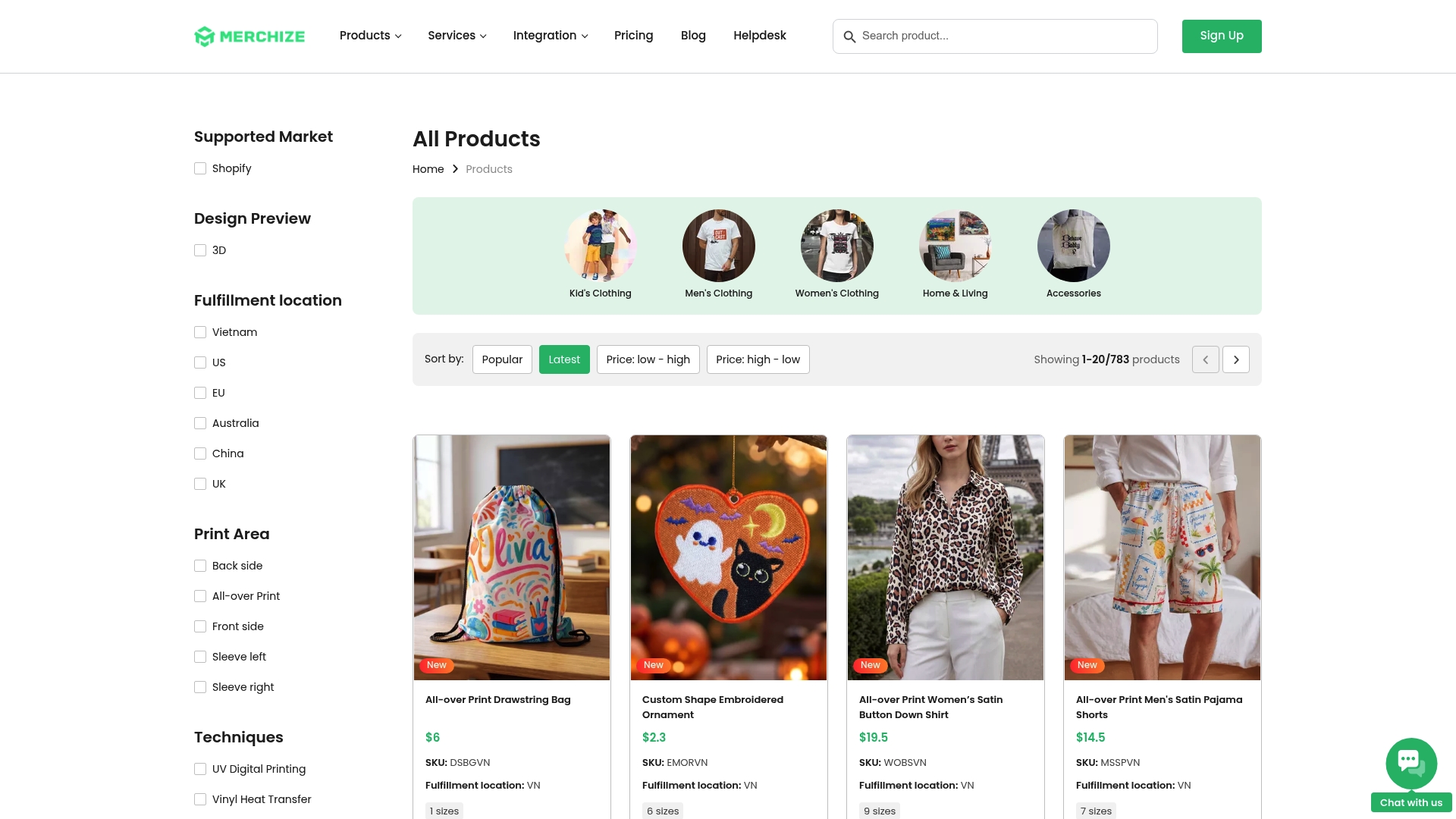
Merchize runs regional production facilities in Vietnam, the US, the EU, Australia, China, and the UK. It pairs on‑demand manufacturing with storefront integrations for platforms such as Shopify and Etsy. The platform targets sellers who want quick regional fulfilment and varied printing methods.
Core Features
Merchize offers a broad product catalogue that covers apparel, homeware, accessories, and seasonal lines, plus mockup design tools for listing visuals. It supports multiple printing techniques including UV digital, embroidery, DTF, and sublimation, and provides API access for custom builds. Flexible fulfilment plans range from a free Lite package to paid storefront plans with analytics, SEO tools, and abandoned cart recovery.
Key Differentiator
Merchize stands out for its full API access paired with a multi‑regional production network. That setup reduces cross‑border shipping when you route orders to the nearest facility. Sellers who need programmatic order control and regional speed will find that capability useful.
Pros
Merchize offers direct support through WhatsApp, which many stores find faster than email for order and quality questions. Users report high garment quality and strong print output across several techniques. Regional production yields faster turnaround for local customers and lowers return risk. The platform also automates order management through its API, which helps stores scale without adding manual steps.
Cons
- Support response times can lag outside US time zones, causing delays for some international merchants.
- The design interface has a learning curve for beginners and may feel complex initially.
- Shipping delays can occur during peak periods or when international logistics are disrupted.
When It May Not Fit
Merchize is not ideal for sellers who need 24/7 local support in all time zones. It may frustrate creators who prefer a very simple, drag‑and‑drop designer for quick mockups. Stores with extremely tight same‑day delivery promises should consider a local-only fulfilment option.
Notable Integrations
- Etsy
- Shopify
- Amazon
- WooCommerce
- eBay
- Google Shopping
- Merchize API
Who It’s For
Ecommerce entrepreneurs, small clothing brands, and stores that want to add product variety without holding inventory will benefit. Merchize fits sellers who need multi‑channel listing and programmatic fulfilment. It also suits brands aiming to split production across regions for faster delivery.
Real World Use Case
A small online clothing brand connects its Shopify store to Merchize and automates order flow through the API. Orders route to a nearby production site, reducing transit times and keeping print quality consistent. The brand uses the platform to expand its catalogue without buying inventory.
Pricing
Plans start with a Free (Lite Package) tier and scale to $79/month for the Platinum Storefront Plan and $299/month for the Diamond Storefront Plan. Each tier includes different product volumes, platform features, and transaction fee structures. Choose a tier based on monthly order volumes and desired storefront features.
Website: https://merchize.com/all-products
podOS
At a Glance
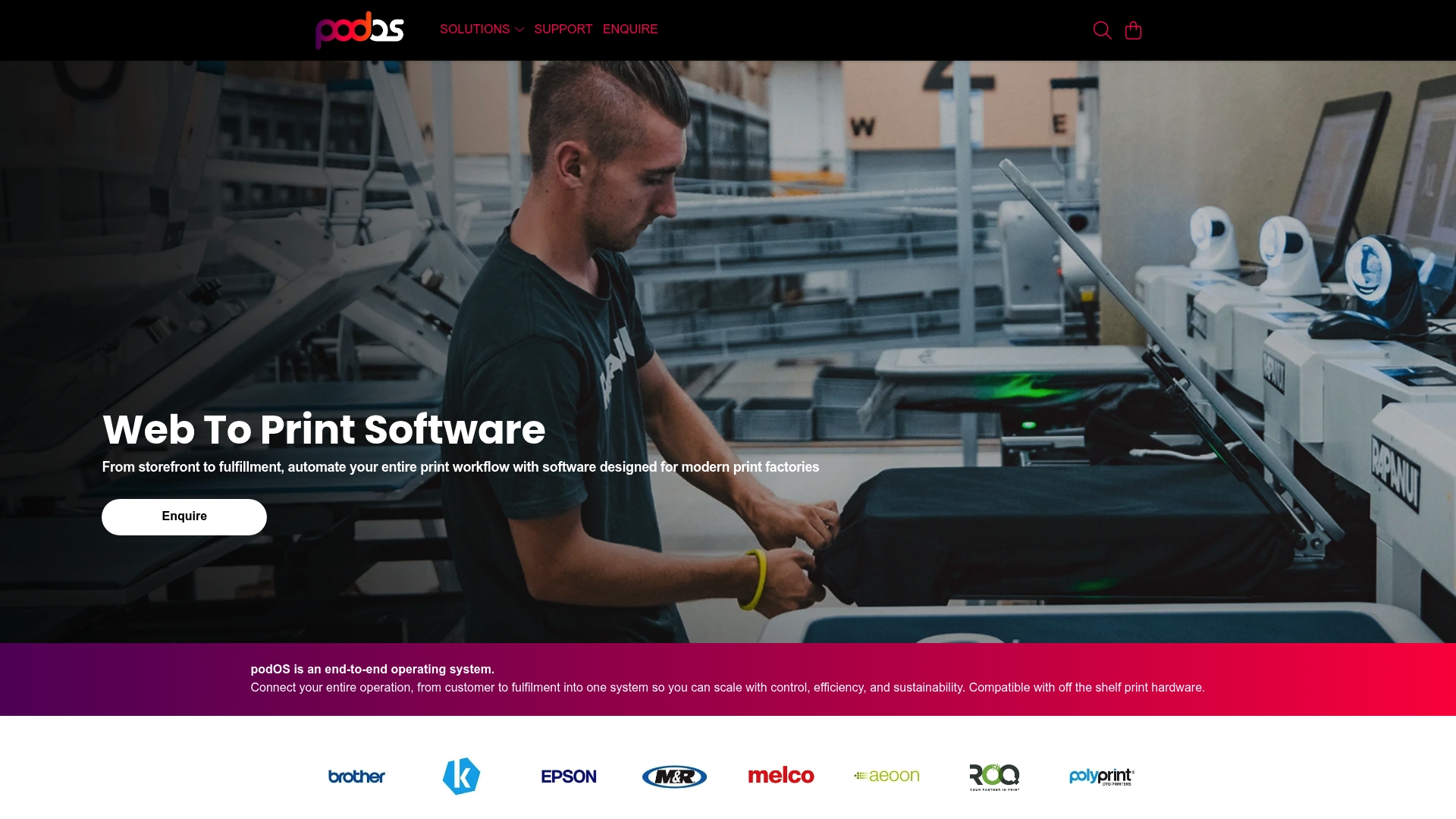
podOS ships an end to end print workflow for factories that links storefronts, production lines and global fulfilment under one roof. The platform emphasises telemetry driven quality checks and over the air updates to reduce production errors and keep machinery configurations current. This focus suits print manufacturers running high volume apparel and merchandise lines who need continuous operational visibility.
Core Features
podOS combines order management, automated production flows and storefront connectors into a single control layer. It offers product personalisation tools and API integrations so orders can flow from commerce platforms into production with automated routing. Telemetry and automated quality control feed optimisation loops that keep output consistent and let teams iterate on production settings.
Key Differentiator
The core difference is tight cloud connection between storefronts, factories and fulfilment with live operational feedback. That link pairs order orchestration with telemetry driven optimisation, so production rules adapt to actual machine performance. The result is a single system that aims to move jobs through multiple plants while tracking quality in real time.
Pros
podOS delivers broad operational coverage by combining storefront, production and shipping controls into one platform. Support for off the shelf hardware and multiple print methods reduces the need for bespoke kit on the factory floor. Automated routing and real time visibility help production teams prioritise urgent runs and reduce manual handoffs. Telemetry based quality control and over the air updates make continuous improvement part of the operating rhythm.
Cons
-
Specific third party reviews and detailed user feedback are not publicly listed. This limits independent validation of in field performance.
-
Learning the system will take time for smaller shops. Premium enterprise features may require dedicated training and onboarding.
-
Pricing and licensing models are not specified, so cost planning requires direct vendor contact.
When It May Not Fit
If your operation is a single shop with few SKUs and minimal automation needs, podOS may add complexity without proportional benefit. Small teams with limited IT support will face a learning curve and extra setup work. Organisations that need transparent fixed pricing up front will find details are not publicly listed and must request a custom quote.
Notable Integrations
-
Shopify, WooCommerce, Etsy
-
BigCommerce, Wix, Squarespace, TikTok Shop, Rithum
These connectors let orders enter podOS from common storefronts and marketplaces and feed fulfillment rules directly to production.
Who It’s For
Mid sized and large print fulfilment companies, multi plant networks and factories aiming to scale automated production will get the most from podOS. Operations that mix bulk runs and personalised orders and that need centralised control across locations will find the platform relevant.
Real World Use Case
A multi plant apparel operation connects Shopify and BigCommerce storefronts to podOS. Orders route automatically to the best equipped plant. Telemetry flags a print head deviation and the system reroutes affected jobs while signalling maintenance teams, keeping dispatch dates on track.
Pricing
Pricing is not specified and appears to be custom or enterprise based. Prospective buyers should contact the vendor for a tailored quote that reflects plant count, integrations and support levels.
Website: https://printondemandsoftware.com
Comparison of alternatives
The platforms reviewed each offer unique strengths for creators aiming to enhance their creative and commercial processes. However, one selection, Advanced Planner Designer, stands out for its combination of tools tailored to digital product creators.
Highlighting unique capabilities of each platform
Advanced Planner Designer’s AI-oriented integration creates end-to-end planner products ready for market. Its Make Sellable™ product kits exemplify this feature. My Planners Hub, on the other hand, excels at offering an extensive library of templates paired with both commercial licensing and customisation options. This makes it attractive to creators building diverse catalogue offerings. Platforms like Printful or Merchize shine in their respective areas of physical product fulfilment and customisation, catering efficiently to sellers prioritising merchandise creation and direct-to-customer logistics.
Weighing strengths and specialisations
For those focused on digital products, the depth of professional design support offered by My Planners Hub’s resource library provides a compelling reason to consider its ecosystem. Users favouring high-quality personalisation for print manufacturing might prefer solutions like Merchize for its multiple production methods and geographically distributed facilities. Meanwhile, podOS serves fulfilment networks requiring advanced automation and production monitoring across extensive setups.
Best fit
- For creators needing full AI support to produce tailored planner kits ready for platforms such as Etsy or Shopify, Advanced Planner Designer is the ideal solution.
- If scaling with a vast template library and integrated licensing is, My Planners Hub would be an excellent choice.
- Merchants focusing on custom products using branded fulfilment methods should explore Printful.
- For advanced operational control and regional fulfilment efficiency, Merchize provides a noteworthy option.
- High-volume factories aiming for automation-enhanced production ought to consider podOS.
Our pick
Advanced Planner Designer uniquely empowers creators with its AI-driven design environment, speeding up workflows, reducing complexity, and delivering professional-quality digital products. By integrating planner design, branding, and export capabilities within a single system, it sets the benchmark for user-focused creative innovation. For creators prioritising advanced production workflows or merchandise fulfilment, My Planners Hub or the other reviewed options may better align with their needs.
This comparison highlights tools that offer comprehensive workflows or specific features for creating and selling digital products, helping you identify the ideal platform for your needs.
| Product Name | Core Feature | Key Differentiator | Best For | Pricing | Notable Limitation |
|---|---|---|---|---|---|
| Advanced Planner Designer | AI-generated planner kits | All-in-one design-to-sellable workflow | Creators needing quick, ready-to-sell kits | Free tier; paid plans A$19/month; Lifetime A$97 | May lack customisation depth for professional graphic designers |
| My Planners Hub | Library of 237+ planners plus 18 AI tools | Extensive creator operating system | Regular sellers requiring templates and licences | Free tier; paid plans start at $27/month | Higher plans necessary for full feature access |
| Printful | Direct storefront integrations | In-house global fulfilment | Beginner sellers needing simple setup | Price not published | Fulfilment delays during peak periods |
| Merchize | Regional printing network | API integrations with multiple storefronts | Entrepreneurs scaling across regions | Free tier; paid plans start at $79/month | Support response times may lag outside US time zones |
| podOS | Centralised order and print control | Telemetry-driven automated quality checks | Large-scale print fulfilment companies | Price not published | Learning curve for smaller shops |
Finding the right digital product studio beyond Redbubble alternatives
Creators looking for a straightforward way to build and sell digital products often face the challenge of juggling multiple apps to create planners, covers, stickers and listing visuals. Advanced planner designer solves this by offering complete, ready-made product kits in one workspace. This makes it easier for Etsy and Shopify sellers to produce polished collections quickly without the stress of piecing tools together.
With Advanced planner designer, you gain access to AI-powered customisation designed for creators, small business owners and educators. The platform supports editable planner pages and generates matched marketing assets, so you spend less time designing and more time selling. Trusted by over 10,000 creators, the platform powers more than one million products.
Ready to simplify your product creation process? Try Advanced planner designer now and see how its all-in-one approach helps you craft professional, sellable kits with less effort.
Advanced planner designer offers intuitive AI tools for designing and launching complete digital product bundles directly suited for Etsy and Shopify sellers.
FAQ
What features make Advanced Planner Designer ideal for creating digital planners?
Advanced Planner Designer generates ready-to-list product kits, including planners, covers, and mockups. The Make Sellable™ product kits feature streamlines the process, allowing users to create sellable products efficiently. You can quickly generate assets for your digital product offerings without juggling multiple tools.
How does Advanced Planner Designer compare to My Planners Hub in terms of asset creation?
My Planners Hub offers a larger library of templates and Ai tools, making it easier for users to find creative assets. Advanced Planner Designer focuses on providing complete and ready-to-list kits, which simplifies the process for those looking to launch products without extensive design work. This makes Advanced Planner Designer a better option for users prioritising speed and efficiency in creating sellable digital products.
Can I try Advanced Planner Designer without any commitment?
Yes, Advanced Planner Designer offers a free tier at A$0/month for basic access and testing. This allows potential users to explore the platform’s features without initial investment. If you find it meets your needs, you can easily transition to a paid plan to access more features.
What pricing options does Advanced Planner Designer provide?
Advanced Planner Designer starts with a free plan and offers paid plans beginning at A$19/month. This tiered pricing allows users to select a plan that best suits their needs based on features and tools required for digital product creation.
Which platform offers commercial licensing for digital products?
My Planners Hub provides commercial licensing options in higher pricing tiers, which is beneficial for creators looking to sell their designs. In contrast, Advanced Planner Designer focuses on generating finished assets ready for market, providing a streamlined process to get products into your store without separate licensing concerns.