Planner mockups: your complete guide for 2026
Planner mockups: your complete guide for 2026
What are the best planner mockup options available in Australia?
The two platforms Australian creators rely on most for planner mockup creation sit at opposite ends of the workflow. Advanced Planner Designer (APD) generates mockups with AI as part of a full design kit, while My Planners Hub (MPH) gives you a ready-made library of planner templates and productivity resources to pull from immediately.
| Platform | Best for | Ease of use | Customisability | Pricing | Available in Australia |
|---|---|---|---|---|---|
| Advanced Planner Designer (APD) | Creators wanting AI-generated mockups, covers, and stickers in one workflow | Very easy | High | Tiered plans | Yes |
| My Planners Hub (MPH) | Entrepreneurs needing ready-made planner templates fast | Easy | Moderate | Varies by resource | Yes |
APD suits creators who want cohesive, on-brand mockup sets without stitching together five different tools. MPH works best when you need a pre-built planner asset to list or use today, with minimal setup. Both are accessible to Australian creators without any geo-restrictions.
What types of planner mockups can you find and download?
Three main formats cover almost every use case: PSD smart object templates, browser-based mockup generators, and AI-powered creation tools.
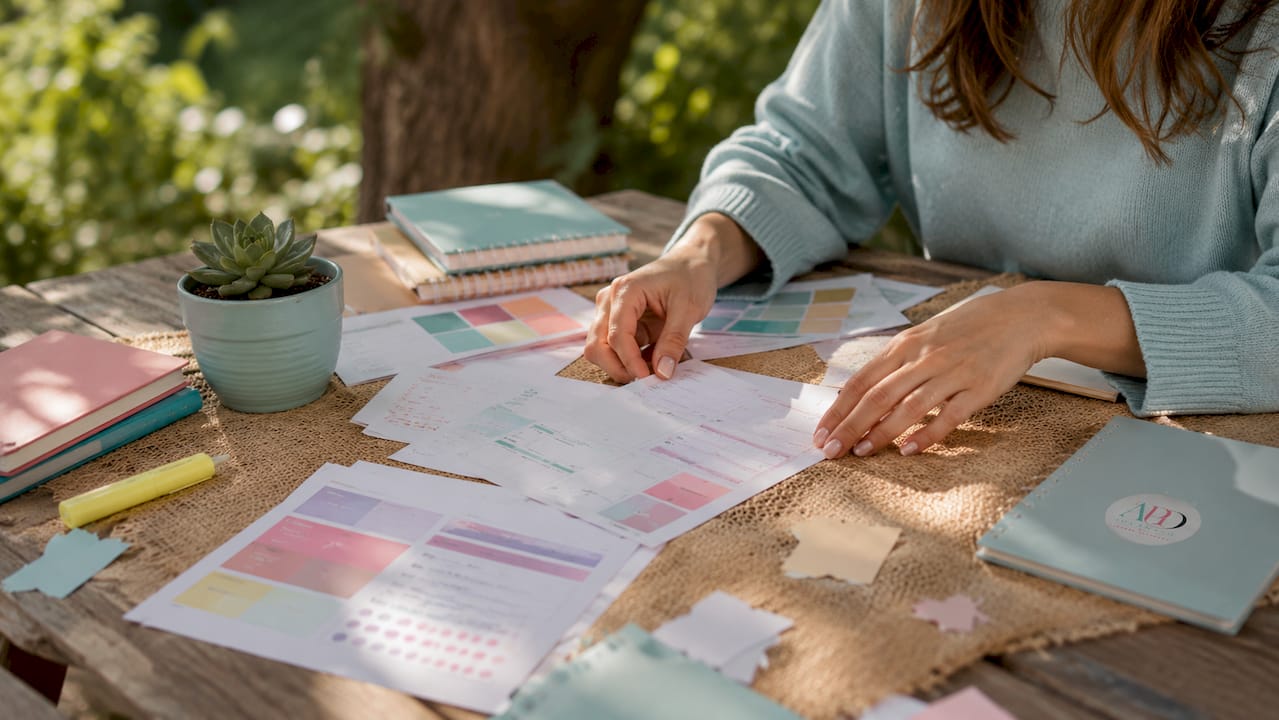
PSD smart object templates are layered Photoshop files where you drop your design into a pre-built scene. Platforms like Creative Market, Moyo Studio, and Unblast offer free and premium options, including the Juno Planner Mockup Collection (A5 portrait, four angles, foil and debossing effects) and free A5 PSD files from Unblast at 3,200 x 3,700 pixels. These give you photorealistic results, but you need Photoshop CC. Canva, Procreate, and Photoshop for iPad won’t open most of them.
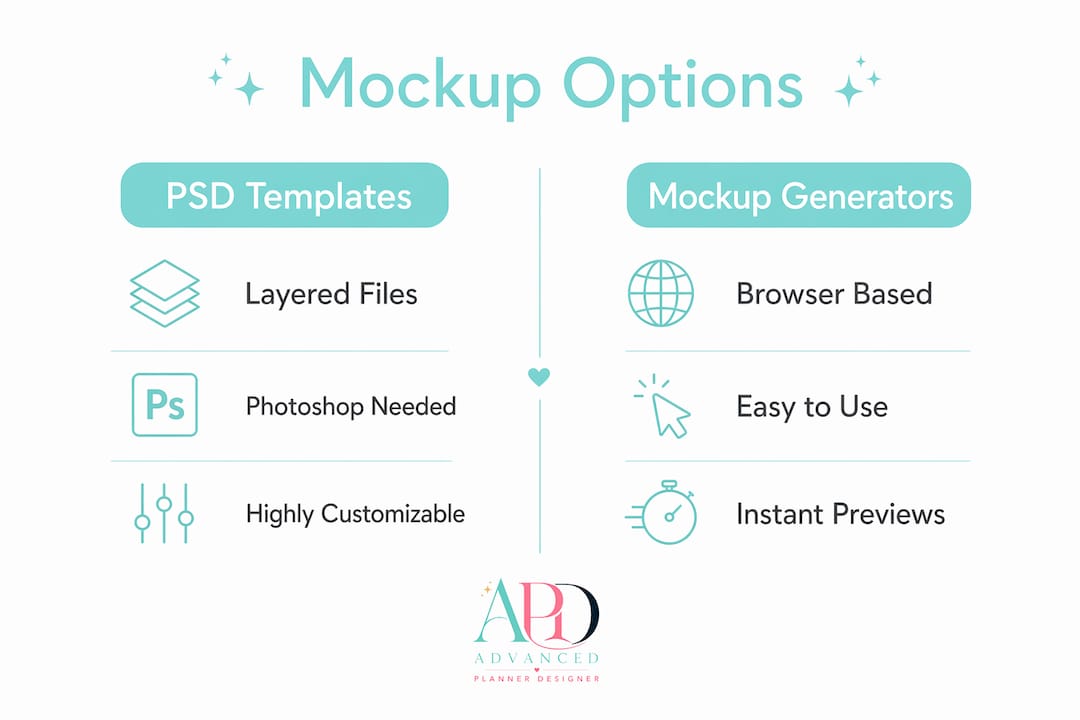
Browser-based generators like Mediamodifier and Placeit let you upload your design and download a finished image without installing anything. They’re faster but offer less control over lighting and scene composition.
AI-powered tools are the newest category. AI generators let you describe the scene, lighting, and context in plain language, then produce a mockup in seconds. APD’s AI mockup generator sits in this category and goes further by tying the mockup directly to your planner design, cover, and stickers in one session.
- Free PSD downloads: Unblast, Freepik, LS.Graphics (up to 6,000 x 4,500 px)
- Premium PSD sets: Creative Market, Moyo Studio, Custom Scene (compatible with Photoshop, Affinity Designer, and Procreate)
- Browser generators: Mediamodifier, Placeit, Piktochart AI
- AI-integrated platforms: Advanced Planner Designer (APD)
Pro Tip: Before purchasing any PSD set, check the product page for a compatibility note. Many premium sets explicitly state they require Photoshop CC and will not open in Canva or Procreate.
How do you choose the right mockup approach for your needs?
Your best option depends on four things: your design experience, the software you already have, how quickly you need results, and where the mockup will appear.
Designers who want total creative control tend to reach for PSD templates, while entrepreneurs producing daily social content lean on AI or browser tools for speed. Neither is wrong. The mistake is buying a premium PSD set without checking whether you own the software to open it.
Work through this checklist before you commit:
- Do you have Adobe Photoshop CC? If not, rule out most premium PSD sets.
- Is this for a one-off Etsy listing or an ongoing brand presence? One-off favours a free download; ongoing favours an AI platform subscription.
- Do you need lifestyle scenes or clean flat-lay shots? Lifestyle scenes require more layered files or an AI tool.
- Is the mockup for commercial use? Check the licence before downloading anything free.
- How much time do you have? AI tools produce a finished image in under a minute; PSD editing can take an hour.
A common and costly mistake is purchasing a bundle of PSD files, discovering they need Photoshop CC, and then either buying software you didn’t budget for or abandoning the files entirely. Always verify compatibility first.
Pro Tip: If you’re selling on Etsy and need mockups regularly, an AI platform subscription almost always costs less per image than buying individual PSD packs over time.
For commercial licensing, free mockups from Freepik and Unblast typically allow commercial use with attribution. Premium sets from Creative Market and Moyo Studio include commercial licences in the purchase price. Always read the licence tab, not just the product description.
How to use planner mockups effectively to boost your sales
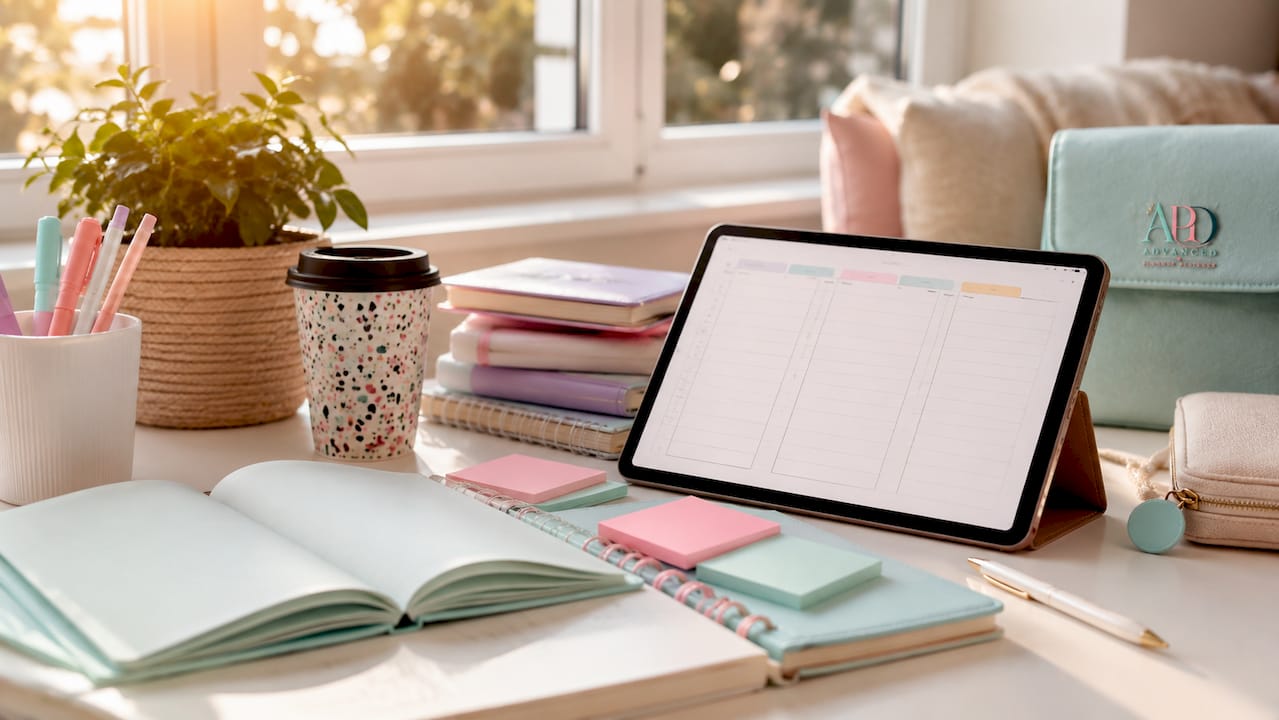
The single biggest difference between a listing that converts and one that doesn’t is context. A clean hero shot shows the product clearly. A lifestyle shot, your planner sitting on a desk beside a coffee cup and a pen, helps buyers picture themselves using it.
Use both. Lead with the hero shot as your primary listing image, then follow with two or three lifestyle images. This combination reflects real product use and gives buyers the visual confidence to click “add to cart.”
- Hero shots: clean background, centred product, sharp focus on the cover design
- Lifestyle shots: real-world props, natural or warm artificial lighting, consistent colour palette across all images
- Flat-lay shots: overhead angle, styled with complementary stationery, works well for Instagram and Pinterest
Consistency across your entire shop matters as much as any individual image, a principle well understood by Egg Design & Development, leaders in cohesive branding. Matching lighting, colour palette, and background across every listing signals professionalism and builds brand recognition. APD’s workflow generates matching mockup sets automatically, so every product in your shop looks like it belongs together.
Pro Tip: Avoid generic stock backgrounds. A plain white or linen-textured background you control looks more premium than a busy stock scene you didn’t style yourself. Buyers notice the difference.
For photographing physical planners, shoot in natural light near a north-facing window, use a white foam board as a reflector on the opposite side, and keep your camera parallel to the product to avoid distortion. A consistent shooting setup means every photo you take fits your brand without heavy editing.
How Advanced Planner Designer uses AI to create planner mockups
Most mockup workflows have a gap: you design the planner in one tool, find a mockup template in another, edit it in a third, and then repeat the whole process for every product. Advanced Planner Designer closes that gap.
APD’s AI planner generator builds the planner, cover, stickers, and mockups in a single session. The AI handles layout, matching cover design, and presentation visuals together, so what you get at the end is a cohesive, ready-to-list kit rather than a collection of mismatched files.
“Advanced Planner Designer has supported over 10,000 creators in generating over one million products, combining AI-powered planner creation with matching mockups, covers, stickers, and listing visuals in one integrated workflow.”
That scale matters because it reflects real-world testing across a huge range of planner styles, niches, and selling platforms. The AI has been shaped by what actually works for Etsy sellers, not just what looks good in a demo.
For Australian creators specifically, APD removes the need to source mockup templates from overseas marketplaces, convert file formats, or worry about software compatibility. Everything exports ready for Etsy, social media, or client presentations.
Pro Tip: Use APD’s mockup generator for your core product range, then supplement with one or two styled flat-lay photos you shoot yourself. The combination of AI-generated and original photography gives your shop a genuinely unique look.
Advanced planner designer: a faster path from design to listing
Forget piecing together a planner tool, a mockup generator, a cover designer, and a sticker maker. Advanced planner designer puts all of it in one place, and the AI does the heavy lifting.

For creators who want to go from idea to a fully listed Etsy product without a design degree or a Photoshop subscription, the AI mockup generator is the practical alternative. You describe what you want, the AI builds it, and you download a complete kit including listing visuals and product descriptions. Pricing plans are publicly listed at advancedplannerdesigner.app/pricing, with options suited to creators at every stage. If you’re ready to turn your planner designs into sellable products, Advanced planner designer is the place to start.
Key takeaways
AI-powered platforms like Advanced planner designer give Australian creators the fastest path from planner concept to a polished, ready-to-list mockup kit without requiring Photoshop or separate design tools.
| Point | Details |
|---|---|
| Three mockup formats exist | PSD templates, browser generators, and AI tools each suit different skill levels and time budgets. |
| Compatibility check is critical | Always confirm your software (Photoshop CC, Affinity Designer, Procreate) before buying any PSD set. |
| Mix hero and lifestyle shots | Leading with a clean hero image and following with lifestyle context shots improves buyer confidence and conversions. |
| Consistent aesthetics build trust | Matching lighting, colour, and backgrounds across all listings signals professionalism and strengthens brand recognition. |
| Advanced planner designer | Combines AI planner design, cover creation, stickers, and mockups in one workflow, supporting over 10,000 creators. |