MyDesigns AI for Australian digital planner creators
MyDesigns AI for Australian digital planner creators
What is MyDesigns AI and why Australian creators are using it
MyDesigns AI is a print-on-demand platform built to handle the heavy lifting of creating, publishing, selling, and fulfilling custom products at scale. For Australian creators making digital planner kits, covers, stickers, and printables, it solves a real problem: getting designs listed quickly without spending hours on metadata, mockups, and product descriptions.
The platform connects directly with Etsy and Shopify, so your products go from design to live listing without manual copy-pasting between tabs. Its bulk publishing tools let you upload a folder of designs and generate listing-ready products with autogenerated titles, tags, and descriptions in one go. That’s the feature professional sellers keep coming back for.
Here’s what MyDesigns AI brings to your workflow:
- Bulk product creation — upload multiple designs and generate listings simultaneously
- Premium mockup generator — produce polished product visuals without a separate design tool
- Automatic metadata — AI writes titles, descriptions, and tags for each listing
- Etsy and Shopify integration — publish directly to your stores from one dashboard
- Credits system — Pro plans include a set amount of AI credits per month, with higher tiers offering more credits for heavier AI feature usage.
Pair MyDesigns AI with Advanced planner designer for the full picture. Advanced planner designer generates complete planner kits with intelligent layouts, matching covers, stickers, wallpapers, and mockups, all in one place. Over 10,000 creators have used it to produce more than one million products. For ready-made planner bundles and digital planning inspiration, My Planners Hub (MPH) is worth bookmarking too.
Table of Contents
- How to use AI design tools to create and sell planner kits in Australia
- Key Takeaways
- From design to sellable in minutes with Advanced planner designer
How to use AI design tools to create and sell planner kits in Australia
Getting from a design idea to a live Etsy listing takes fewer steps than most creators expect. Here’s the process that works.
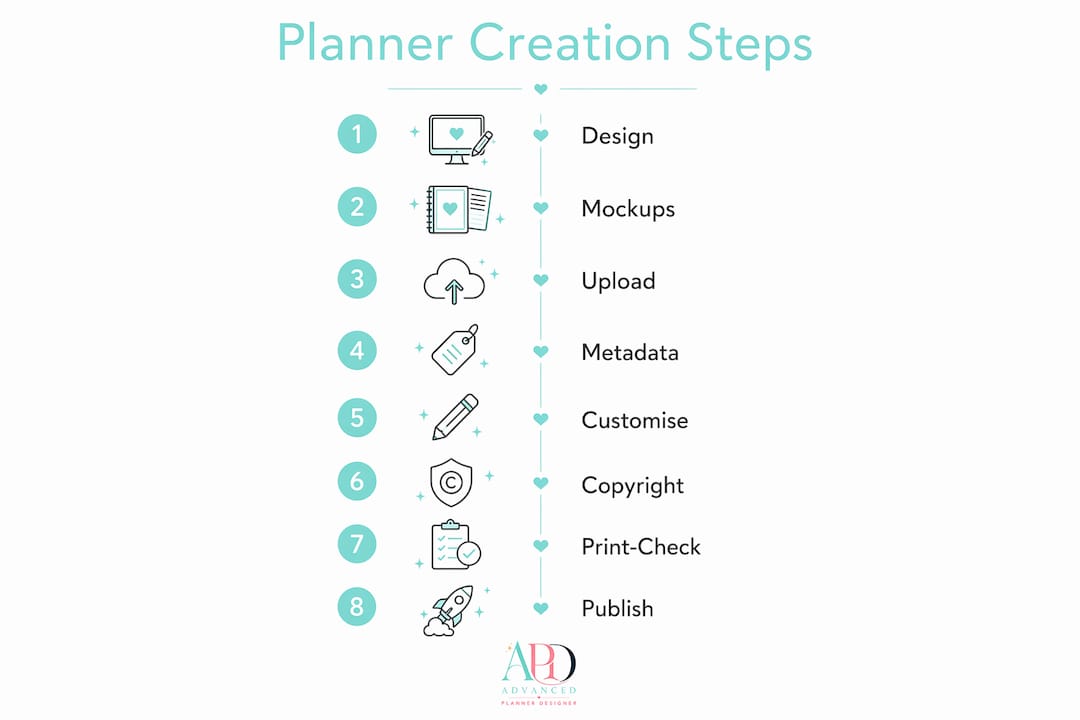
1. Start with your planner design
Build your planner kit in Advanced planner designer. The AI planner generator creates structured layouts, covers, and sticker sheets in minutes. Export your files as PDFs or PNGs ready for upload.
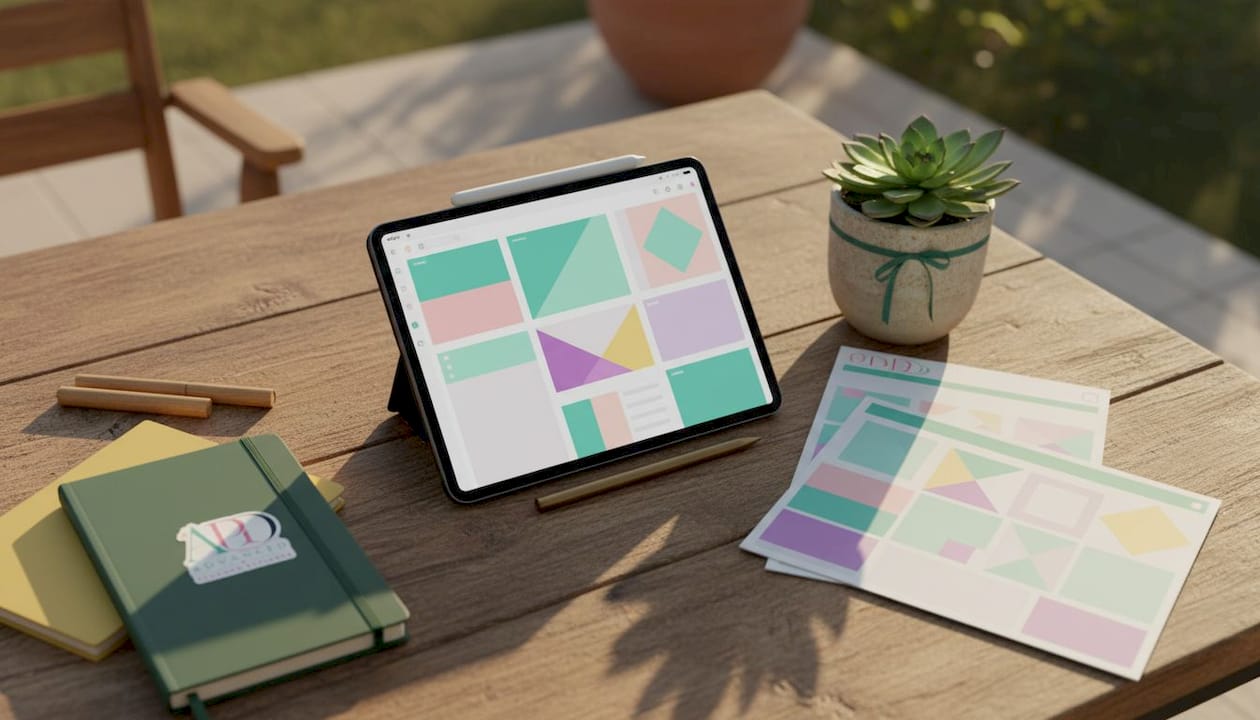
2. Generate scroll-stopping mockups
Before you list anything, create product mockups. Advanced planner designer’s AI mockup generator produces professional visuals in seconds. Strong mockups are the single biggest driver of click-through on Etsy.
3. Upload your designs to MyDesigns AI in bulk
Drop your design folder into MyDesigns and let the platform generate multiple products at once. This is where AI design automation pays off. Uploading individually wastes time you could spend creating.
4. Let AI write your listing metadata
Use MyDesigns AI’s Vision AI to generate titles, descriptions, and tags automatically. Review every output before publishing. AI gets you 80% of the way there; your editing gets you the rest.
Pro Tip: Always read AI-generated descriptions aloud. If a sentence sounds robotic or generic, rewrite it. Buyers notice, and so does the Etsy algorithm.
5. Customise for your brand
Cookie-cutter listings don’t sell. Adjust colours, fonts, and language to match your brand identity. Add your shop name to mockup images and tweak descriptions to reflect your tone. This step separates shops that grow from shops that stall.
6. Check copyright before you publish
AI-generated designs can carry IP risks if you’re not careful. Use original assets, avoid replicating recognisable characters or logos, and read the terms of any AI tool you use. Australian consumer law and Etsy’s policies both apply.
7. Run a print-readiness check
Confirm your files are at 300 DPI, sized correctly for your product type, and exported in the right colour mode. A blurry or incorrectly sized file gets refund requests fast.
8. Publish and connect your Australian store
Link your Etsy or Shopify store to MyDesigns AI and push your listings live. Integrated workflows cut the manual effort and get products in front of buyers faster.
Key Takeaways
Advanced planner designer and MyDesigns AI together cover the full workflow from planner creation to live listing, saving Australian creators hours per product batch.
| Point | Details |
|---|---|
| Bulk listing saves time | Upload a folder of designs and generate multiple listings at once with AI-written metadata. |
| Mockups drive sales | Professional mockups are the biggest click-through driver on Etsy; generate them before listing. |
| Always edit AI output | Review every AI-generated title, description, and tag before publishing to avoid generic copy. |
| Copyright matters | Check IP rights on all AI-generated assets before listing on Etsy or Shopify. |
| Advanced planner designer | Over 10,000 creators use it to generate complete planner kits, covers, stickers, and mockups in one place. |
From design to sellable in minutes with Advanced planner designer

Advanced planner designer gives you everything MyDesigns AI needs to work at its best: complete, ready-to-list planner kits with matching covers, stickers, wallpapers, and mockups, all generated by AI in one platform. You’re not piecing together five different tools. You design, generate, and export, then push straight to your Etsy or Shopify store.
Many creators have used Advanced planner designer to produce a substantial number of products. The platform handles planners, journals, colouring books, sticker sheets, and custom covers, so your whole product range stays consistent and on-brand.
Ready to build your first sellable kit? Turn your designs into products with Advanced planner designer today.