Christmas card generator for creators: sellable & print-ready
Christmas card generator for creators: sellable & print-ready
The fastest way to make sellable Christmas cards is a hybrid workflow: generate unique AI imagery, import it into a template-based editor, then export print-ready PDFs or PNGs at 300 DPI with 3–5 mm bleed. Three steps cover the whole process:
- Choose your template — pick a card size and layout in your editor.
- Customise — drop in your AI-generated background, overlay branded fonts and elements, set bleeds and safe zones.
- Choose delivery format — export a digital e-card file, a print-ready PDF for customers to print at home, or send files to a print-on-demand partner like Vistaprint Australia.
Professional print services typically turn around standard orders in 3–5 business days, so factor that into your product listings and customer comms.
Table of Contents
- Which Christmas card generator suits your workflow?
- How to go from idea to a sellable, print-ready file
- Design best practices and copyright considerations for sellable cards
- What does it actually cost to produce and sell Christmas cards in Australia?
- Legal considerations when selling Christmas cards in Australia
- How to make your branding land on a Christmas card
- Advanced planner designer speeds up your card workflow
Which Christmas card generator suits your workflow?
Five tools cover the main approaches Australian creators use. The table compares them on the dimensions that matter for resale.
| Tool | Best for | Free tier | Export formats | Commercial / resale licence | AI features | AU print / delivery |
|---|---|---|---|---|---|---|
| Advanced Planner Designer (APD) | All-in-one sellable product workflow with mockups | Yes | PDF, PNG, print-ready exports | Resale-ready; commercial licence included | Built-in AI art, mockup generator, listing assets | Export files; use with AU print partners |
| Canva | Rapid template layouts, accessible editor | Yes (Pro paid) | PDF, PNG, JPG | Commercial use allowed on paid plan; check element licences | Magic Media (built-in, limited) | Canva Print ships to AU |
| Adobe Express | Professionally styled templates, direct print ordering | Yes (Premium paid) | PDF, JPG, PNG | Commercial use on paid plan; stock asset restrictions apply | Firefly AI (built-in) | Print ordering in supported markets |
| Midjourney | Custom, high-end AI art for card backgrounds | No (subscription) | PNG, JPG | Commercial licence on paid plan; check current terms | Prompt-driven image generation | Export only; pair with a separate editor |
| Vistaprint Australia | Local print fulfilment and postage | N/A (print service) | Upload PDF/PNG | N/A (printing partner) | None | Ships within AU; standard 3–5 business days |
Quick licensing notes:
- APD includes commercial resale rights, so your exports are listing-ready from day one.
- Canva’s free-tier elements carry restrictions; upgrade to Pro and read the licence for each element before selling.
- Adobe Express Firefly-generated assets are commercially usable on paid plans, but third-party stock within the editor may not be.
- Midjourney’s commercial licence is tied to your subscription tier; confirm the current terms at sign-up.
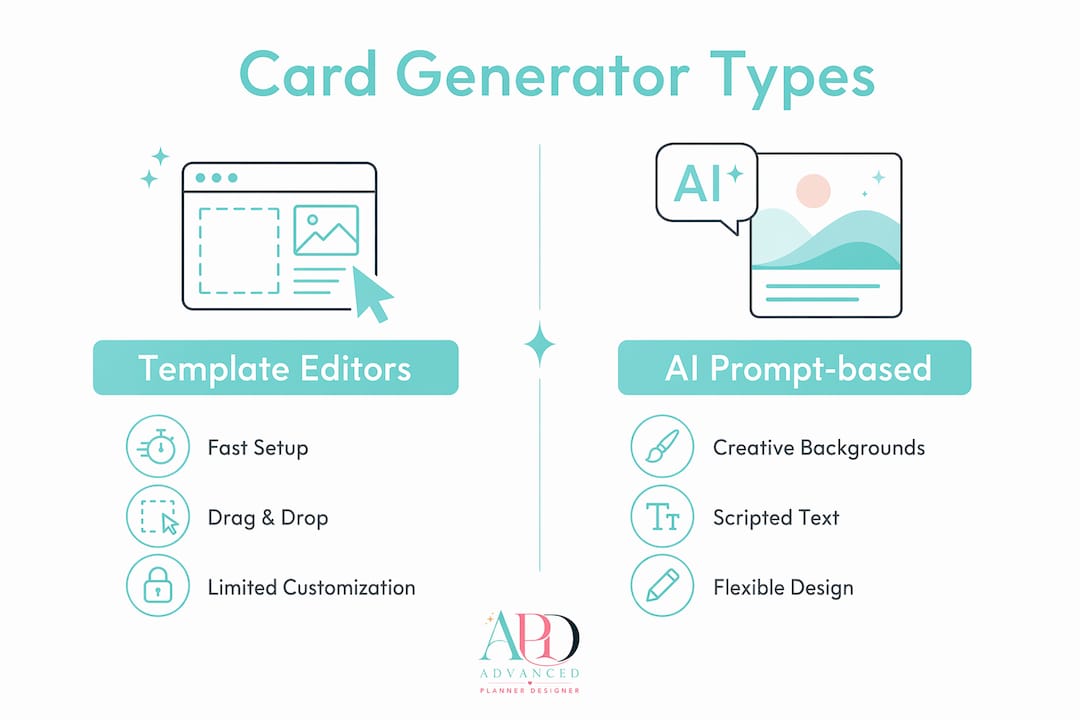
Generators split into two practical categories: template-based editors (drag-and-drop, fast) and AI-prompt-based image generators. The hybrid card workflow — AI art for the background, template editor for layout and text — gives you the best of both.
How to go from idea to a sellable, print-ready file
Phase A: prepare
Set your canvas to a standard card size (A5 or 5×7 in are the most common). Add 3–5 mm bleed on all sides so the printer has trim room. Decide on colour mode: CMYK for professional print, RGB for digital-only e-cards. Check your asset licences before you start building, not after.
Phase B: create
Generate your AI background first, then import it into your template editor. Overlay your branded fonts, greeting text, and any decorative elements inside the editor. Doing this in the editor (rather than baking text into the AI image) preserves kerning control and lets you swap copy for different variants without regenerating the whole artwork.
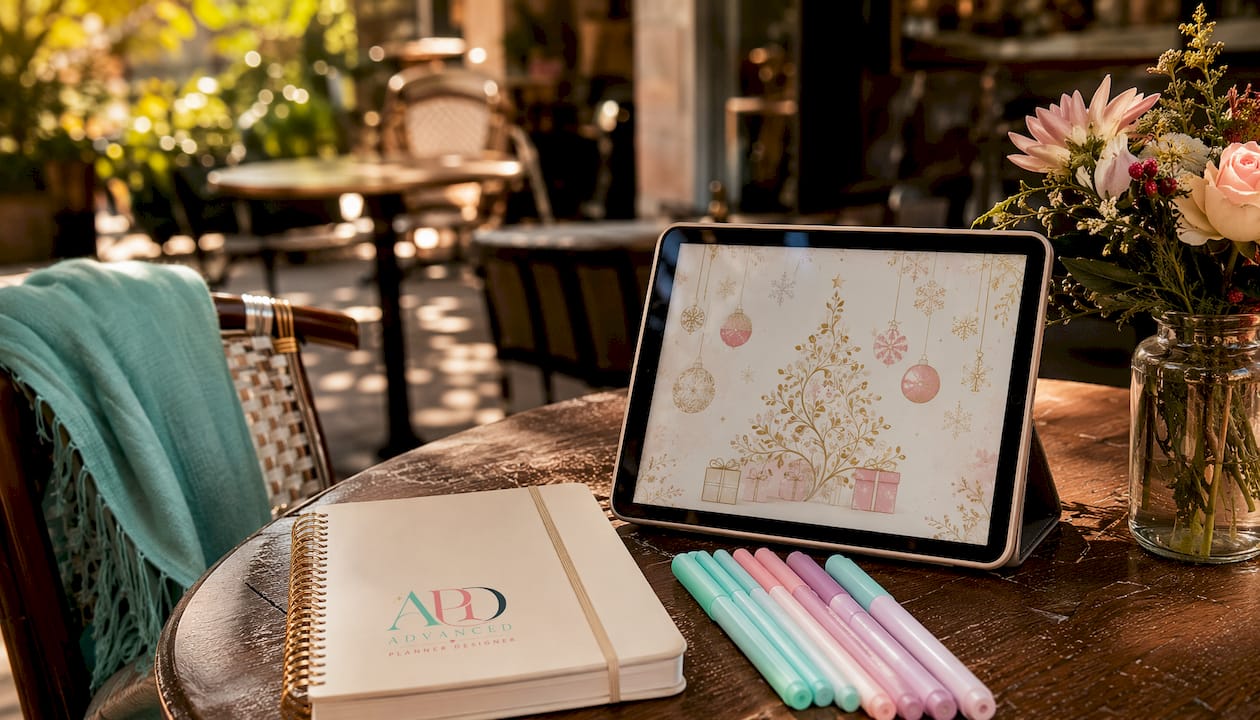
Pro Tip: Use AI for backgrounds and textures, then apply your brand fonts and colour palette in the editor. The result looks recognisably yours rather than generic AI art.
Phase C: export and deliver
| File type | DPI | Bleed | Colour mode | When to use |
|---|---|---|---|---|
| Print-ready PDF | 300 | 3–5 mm | CMYK | Professional print orders, Vistaprint AU uploads |
| High-res PNG | 300 | 3–5 mm | RGB or CMYK | Digital download listings, home printing |
| Web PNG/JPG | — | None | RGB | E-card previews, social sharing |
Embed fonts or convert to outlines before sending to a printer. Keep your master file layered and editable so you can produce variants like gift tags or matching envelopes without rebuilding from scratch.
Selling checklist:
- Licence confirmed for all assets (fonts, graphics, AI outputs)
- Mockup images generated for listing photos
- At least three listing images (flat lay, lifestyle mockup, close-up detail)
- Product variants set up: digital download + print-on-demand option
- Pricing covers design time, print cost, and postage
- E-card delivery: schedule 2–3 weeks ahead or set for Christmas Day delivery
- Printed orders: communicate the 3–5 business day turnaround clearly
Design best practices and copyright considerations for sellable cards
Own every element in your final file. That means using AI tools with clear commercial licences, fonts licensed for resale (Google Fonts and many Adobe Fonts qualify), and original or properly licenced photography. “Free for personal use” does not cover a product you sell on Etsy.
Keep your design hierarchy simple: one dominant image, one headline greeting, one secondary line (sender name or tagline). Cards that try to do too much visually lose impact at small sizes. White space is not wasted space.
For print, high-resolution exports at 300 DPI reduce returns and complaints. Customers who receive a pixelated card don’t come back. Designers who get this right consistently earn better reviews.
What does it actually cost to produce and sell Christmas cards in Australia?
Costs split into three buckets: design tools, printing, and distribution.
Design tools range from free (Canva basic, Adobe Express free tier) to roughly AU$20–$30/month for paid plans with full commercial rights. Midjourney’s base subscription is priced in USD; check the current rate at sign-up.
Vistaprint Australia’s per-card printing cost varies by quantity and finish, but ordering in batches of 25–50 brings the unit cost down meaningfully. Add standard postage on top for physical fulfilment. For digital-only products, your distribution cost is effectively zero beyond platform fees (Etsy charges a listing fee and transaction percentage per sale).
A practical starting point: price your digital card download to cover your tool subscription cost across your expected monthly sales volume, then add margin. Print-on-demand listings need to account for print cost, postage, and your time.
Legal considerations when selling Christmas cards in Australia
Australian Consumer Law (ACL) applies to all sales, including digital downloads. Buyers are entitled to a product that matches its description, so your listing images and file specs must be accurate.
Intellectual property is the bigger risk. Using a font, illustration, or AI-generated image without the right commercial licence exposes you to takedown requests and potential claims. Always read the licence, not just the marketing copy. “Free to use” on a stock site often means free for personal use only.
If you use a platform like Etsy, their seller policies layer on top of ACL. Keep records of your asset licences in case of a dispute.
This article is general information, not legal advice. Confirm your specific situation with a qualified professional or the relevant primary source.
How to make your branding land on a Christmas card
Your card is a product and a brand touchpoint at the same time. Use your brand’s primary font for the greeting text and a secondary font (or the same at a lighter weight) for supporting copy. Stick to two or three colours maximum, and make sure at least one of them appears in your logo or usual palette.
Add a subtle logo or URL to the card back. It’s a low-effort move that turns every card into a discovery moment for new customers. Keep it small enough not to distract from the design, but present enough to be readable.
Consistency across your card range matters more than any single design decision. If your shop sells five Christmas card designs, they should look like they belong together: matching typography, a shared colour story, and a consistent layout grid.
Advanced planner designer speeds up your card workflow
APD bundles the steps that usually eat your time: AI background generation, export-ready templates with correct bleed settings, and a mockup generator that produces listing-ready visuals in seconds. Over 10,000 creators have used APD to generate more than one million products, and the platform’s commercial licence means your exports are resale-ready without extra paperwork.

You can bundle your Christmas card designs with matching stickers, covers, and printables, then list the whole kit as a single product. That’s a higher-value offer than a standalone card, and APD’s workflow makes it practical rather than painful. Check the APD pricing plans to find the tier that fits your volume, then head to the product generator to start building your first sellable card kit today.