AI listing generator: boost your Etsy sales in 2026
AI listing generator: boost your Etsy sales in 2026
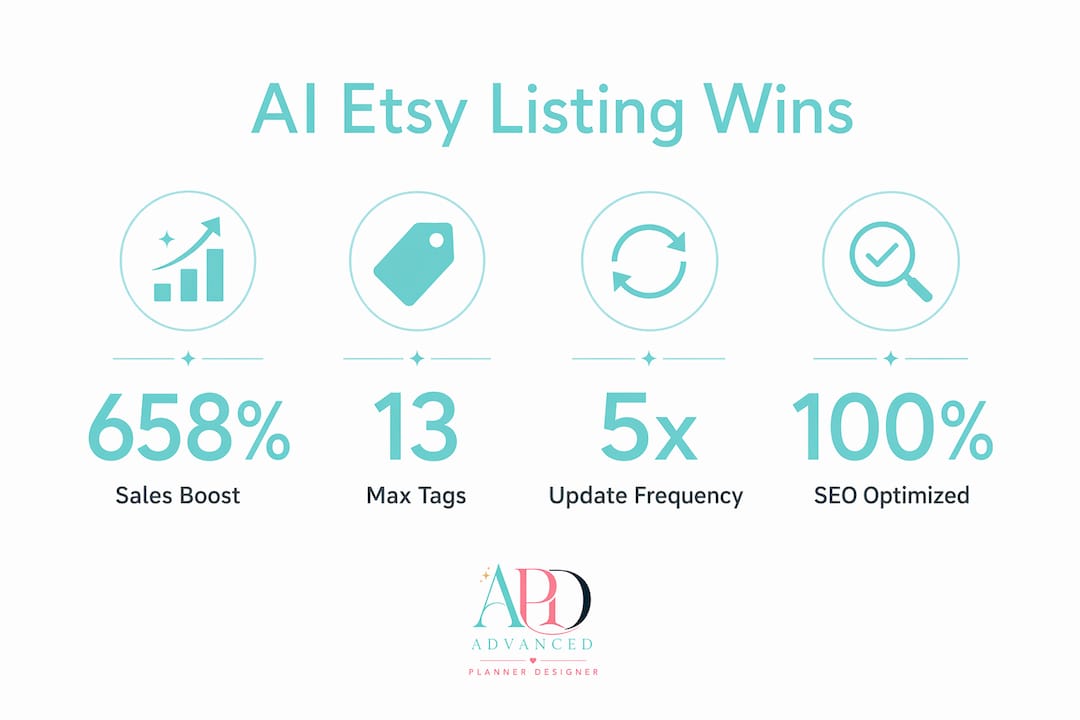
An AI listing generator is a digital tool that creates optimised product listings, including titles, descriptions, and tags, tailored to specific marketplaces like Etsy. For creators selling digital products such as planners, journals, and stickers, a well-built listing is the difference between a sale and a scroll-past. Power sellers report up to a 658% sales lift after switching from manual listings to AI-optimised content. That figure reflects what happens when platform-specific SEO, buyer intent, and complete listing data all work together. Advancedplannerdesigner has supported over 10,000 creators in generating over one million products, making it the leading platform for digital product sellers who want professional results without the guesswork of building listings from scratch.
How does an AI listing generator work for Etsy SEO?
An AI listing generator produces titles, descriptions, and tags by analysing your product and matching it to what buyers are actively searching for. The best tools go further than basic keyword insertion. They tune content to platform-specific requirements, such as Etsy’s 140-character title limit and its 13-tag system, so every character works harder for your visibility.

Etsy’s 2026 algorithm uses AI and large language models internally to understand product attributes and buyer intent. This means your listing needs to speak the same language as Etsy’s own search engine. A quality AI listing description generator reads your product image or input, identifies key attributes, and produces copy that aligns with how Etsy interprets and ranks listings.
The core outputs a good tool delivers include:
- Titles tuned to place primary keywords within the first 40–60 characters
- Descriptions written for human buyers, not just search crawlers
- Tags filled with long-tail phrases that match real buyer queries
- Attribute fields completed accurately to support Etsy’s filter system
Etsy’s algorithm prioritises buyer intent and engagement signals over keyword density alone. This means an AI product listing generator that stuffs keywords without considering conversion will actually hurt your rank over time.
Pro Tip: When you first receive AI-generated content, read the title aloud. If it sounds like a list of keywords rather than a product name, rewrite the first 60 characters to feel natural before publishing.
What features should you look for in an AI listing generator?
The quality of an AI listing generator depends heavily on the features it includes. Not all tools are built for digital product sellers, so knowing what to look for saves you time and money.
The most useful features for creators selling planners and similar digital goods are:
- Vision AI for image interpretation. The tool reads your product image and extracts attributes like colour, style, format, and use case. Vision AI models improve tagging and attribute extraction, helping listings align with buyer filters and search intent.
- Auto-filled listing fields. Titles, descriptions, tags, and attributes populate automatically based on your product. You review and adjust rather than writing from a blank page.
- Platform-specific tuning. A strong AI product description tool adjusts description length, tone, and keyword placement depending on whether you are listing on Etsy, Shopify, or another marketplace.
- Full tag slot utilisation. Listings using all 13 long-tail tags on Etsy get 28% more views than those using fewer tags. A quality tool fills every slot with distinct, relevant phrases.
- Photo slot guidance. Listings with 10 photos on Etsy outperform those with 5 photos by 30–40% in conversion rate. The best platforms prompt you to complete your photo set or generate mockup images to fill those slots.
Advancedplannerdesigner combines all of these features in one place. Its AI reads your planner design, generates a complete listing, and produces professional mockup images to fill your photo slots, so your listing is complete before you even open your Etsy dashboard.
Best practices for using AI-generated listings to lift Etsy sales
Getting strong results from an AI listing description generator requires more than pressing a button. The creators who see the biggest gains treat AI output as a first draft and apply a consistent workflow on top of it.
Follow these steps to get the most from your AI-generated product descriptions:
-
Front-load your primary keyword. Primary keywords must appear in the first 40–60 characters of your title to rank well on Etsy. Check every AI-generated title and move your most important phrase to the front if it is not already there.
-
Fill all 13 tag slots with distinct long-tail phrases. Never repeat the same phrase across tags. Use synonyms, buyer intent variations, and use-case phrases. A tag like “weekly planner printable” and “printable weekly schedule” target different search queries even though they describe the same product.
-
Write descriptions for the buyer, not the algorithm. AI tools should generate content that prioritises human buyer engagement. Read your AI-generated description and ask whether a real buyer would find it helpful and persuasive, not just keyword-rich.
-
Complete every photo slot. Use all 10 available photo slots on Etsy. Combine lifestyle mockups, close-up detail shots, and size reference images. Advancedplannerdesigner’s AI cover generator and mockup tools make this fast for digital planner sellers.
-
Refresh listings every 4–6 weeks. Regularly updating listings with new keywords, photos, and attribute updates provides an algorithmic boost. Stagger your updates across your shop so you get a steady stream of recency signals rather than one big spike.
-
Monitor conversion signals. Strong conversion and click-through rates in Etsy’s Offsite Ads lift your organic rank. A listing that converts well in paid placements earns a higher position in organic search too.
Pro Tip: Build a simple spreadsheet tracking your listing update dates. Set a recurring reminder every five weeks so you never let a listing go stale during peak selling seasons.
Common mistakes to avoid with AI-generated product listings
AI-generated listings fail when creators treat the output as final rather than as a starting point. The most common pitfalls are easy to avoid once you know what to look for.
Watch out for these mistakes:
- Keyword stuffing in titles. Cramming every possible search term into a title makes it unreadable and signals poor quality to Etsy’s algorithm. Etsy’s algorithm rewards engagement, not keyword density. A title like “Planner Digital Weekly Monthly Printable PDF Goodnotes Notability Undated 2026 Floral” reads as spam to a buyer even if it ranks briefly.
- Ignoring the listing quality score. The listing quality score (LQS) is a key ranking factor on Etsy, measured by conversion-related signals rather than keyword counts alone. AI-generated copy that does not convert will drag your rank down over time, regardless of how many keywords it contains.
- Losing your brand voice. AI descriptions can sound generic. Add one or two sentences in your own words that describe what makes your planner unique, whether that is the colour palette, the layout style, or the specific buyer it suits.
- Skipping manual title review. AI listing generators are effective starting points, but manual editing to ensure primary keywords appear front-loaded in titles is essential for ranking. Never publish an AI title without reading it first.
- Using identical phrases across multiple listings. Mixing keyword variations and synonyms rather than repeating identical phrases across listings helps each product reach a different segment of buyers. Duplicate phrasing across your shop can cannibalise your own search visibility.
The fix for most of these issues is a simple review checklist applied to every listing before it goes live. Spend five minutes checking the title, the first sentence of the description, and the tag list. That small investment protects the work the AI has already done for you.
Key takeaways
An AI listing generator produces the strongest results when you combine its output with platform knowledge, manual refinement, and complete listing data across titles, tags, photos, and attributes.
| Point | Details |
|---|---|
| Front-load primary keywords | Place your most important keyword phrase within the first 40–60 characters of every Etsy title. |
| Fill all 13 tag slots | Use distinct long-tail phrases in every tag to achieve up to 28% more views. |
| Complete your photo set | Listings with 10 photos convert 30–40% better than those with partial photo sets. |
| Refresh listings regularly | Update keywords, photos, and attributes every 4–6 weeks to maintain algorithmic recency signals. |
| Review AI output before publishing | Check titles, descriptions, and tags manually to catch keyword stuffing and preserve your brand voice. |
What I have learned from watching AI reshape listing workflows
By Caris A Miles
When I first started paying close attention to how digital product sellers were using AI tools, the most striking thing was not the speed. It was the confidence. Creators who had been paralysed by the blank-page problem of writing listings were suddenly publishing ten products a week. That shift is real and it matters.
What I have noticed, though, is that the sellers who get the best long-term results are not the ones who publish AI output without reading it. They are the ones who treat the AI as a very fast first draft and then apply their own product knowledge on top. A planner designed for ADHD users has a completely different buyer than a business planner for entrepreneurs. The AI can get you 80% of the way there. The remaining 20% is knowing your buyer well enough to write the sentence that makes them click “add to cart.”
Etsy’s algorithm is also getting harder to game and easier to work with honestly. The platform’s internal AI is genuinely good at understanding what a product is and who it suits. That means a listing built around real buyer intent, with complete data and quality visuals, will outperform a keyword-stuffed listing every time. The creators I see thriving in 2026 are the ones who use AI tools to produce complete, well-structured listings and then stay consistent with updates and photo quality.
My honest advice: pick one AI platform that handles listing text and visuals together. Switching between multiple tools wastes the time you saved by using AI in the first place.
— Caris A Miles
How Advancedplannerdesigner takes your listings further
Advancedplannerdesigner is built specifically for digital product creators who want to go from idea to live listing without stitching together five different tools. Its AI generates tailored planner products, covers, stickers, and mockups, and then produces the listing text and visuals to match.

For sellers of digital planners on Etsy, the platform handles the full workflow: product creation, cover design, mockup generation, and listing copy, all in one place. Over 10,000 creators have used Advancedplannerdesigner to generate over one million products. Whether you are starting out or scaling up, the pricing plans are built to suit different stages of your business. If you want listings that are complete, professional, and ready to rank, Advancedplannerdesigner is the place to start.
FAQ
What is an AI listing generator?
An AI listing generator is a tool that automatically creates product titles, descriptions, and tags optimised for specific marketplaces like Etsy. It uses your product details or images to produce listing content that matches buyer search behaviour.
How much can an AI listing generator improve my Etsy sales?
Power sellers report up to a 658% sales lift after switching from manual listings to AI-optimised content. Results depend on listing completeness, photo quality, and how well the AI output is refined before publishing.
Do I still need to edit AI-generated listing content?
Yes. AI listing generators are effective starting points, but primary keywords must be manually confirmed in the first 40–60 characters of your title to rank well. A five-minute review before publishing protects your visibility and conversion rate.
How many tags should I use on an Etsy listing?
Use all 13 available tag slots with distinct long-tail phrases. Listings using all 13 tags get 28% more views than those using fewer, so leaving any slot empty is a missed opportunity.
Is there a free AI listing generator available?
Some platforms offer free tiers or trials for AI listing description generation. Advancedplannerdesigner offers plans at different price points, including entry-level options, so creators can access AI-powered listing tools without a large upfront commitment.